Prompt to video
Describe a scene and let ZABOO AI shape the first moving frame.
AI VIDEO STUDIO /// READY
Build short, cinematic video from a prompt or image. ZABOO AI gives your idea a scene, a pace, and a point of view.
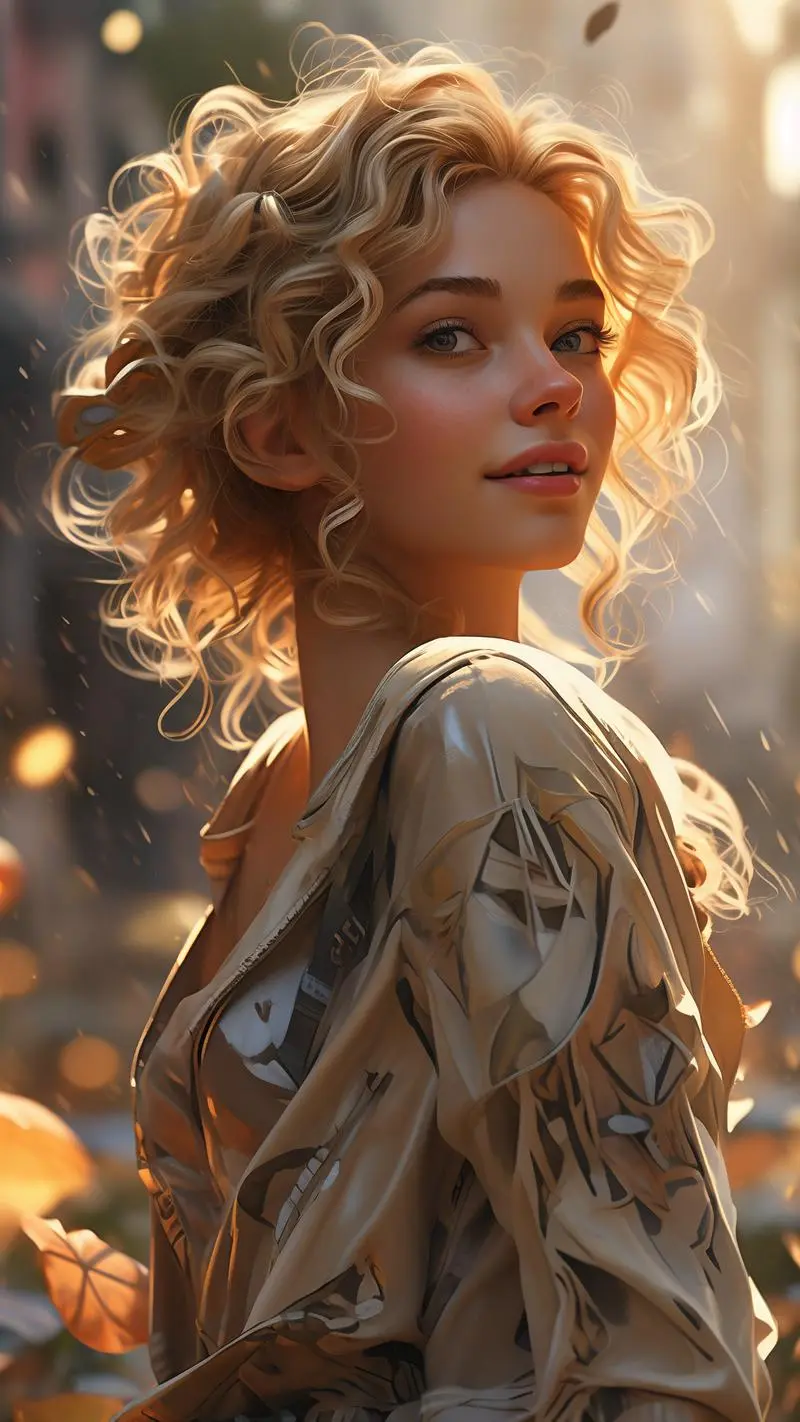 REC 00:08
Neon afterglow
THE VIDEO TOOLKIT
Choose a starting point, set the movement, and keep developing the shots that make your story land.
Describe a scene and let ZABOO AI shape the first moving frame.
Give a still image depth, momentum, and an unfolding moment.
Explore camera travel, pacing, mood, and the energy of a shot.
Start with a visual rhythm built for stories, posts, and moments.
Return to drafts and finished videos when the next idea arrives.
Export the version you love when it is ready to move beyond the app.
A FASTER WAY TO CUT
Whether you start with an image, a phrase, or a feeling, ZABOO AI keeps the process close to the pace of your imagination.
SHOT 04 / DUSK LOOPHOW ZABOO WORKS
Begin with a prompt, a reference, or an image you want to take somewhere new.
Guide the visual energy, framing, and tempo until the moment feels right.
Save your favorite version, export it, and share it in the format you need.
ZABOO AI / VIDEO CREATION
Open ZABOO AI and make a video from the thought you cannot stop seeing.
Contact ZABOO AI